
I want to challenge myself to not use AI, because I am coming to realize that I don’t feel so fulfilled the more I use AI. When I don’t use the knowledge that I gained over the years or I don’t exercise critical thinking then I don’t feel like I accomplished something very well. Sure, I am developing a way to work and iterate with AI that feels good, but it doesn’t feel as good as if I did the hard work myself.
Self-taught
So, first challenge without using AI is learning how radial gradients work. I am going through the “Using Gradients” MDN doc and “Radial Gradient” MDN doc, and the first thing that I am exercising about is how to size radial gradients. At first, it didn’t make any sense. But I put the fingers down to the keyboard and I taught myself what sizing radial gradients mean.
There are a hand full of keywords to know with regards to sizing radial gradients in CSS: closest-corner, closest-side, farthest-corner, farthest-side, circle, and ellipse. These sizing keywords may also paired with syntax that positions the radial gradient with at {X} {Y}.
While using these sizing keywords initially, I had no idea what effect was happening. Sometimes the radial gradient would get smaller, and sometimes the radial gradient would get larger. Sometimes the gradient would elongate, and sometimes it would disappear. I had to make smaller changes to understand what was going on.
So here’s what I found.
The “ending-shape” of a radial gradient can only be circle or ellipse. I tried square and it didn’t work — and sure it turns out the MDN docs also say circle and ellipse are the only options. And a square isn’t exactly “radial”, so that QA detour was fun.
With closest-side an ellipse shape gets more squished, and a circle shape just gets smaller. For example, ellipse closest-side at 90% 50%, is a radial ellipse to the right side of the viewport. Since the closest-side is the right side of the viewport, then the ellipse is more squished — if it were a circle it would get smaller. If I put farthest-side instead of closest-side, then the ellipse stretches towards the opposite side — or a circle would get bigger. See the pictures and captions below for an example. Neat!
Side notes
- Only with circles can the sizing keyword be replaced with any dimension like
150pxto make a circle with a radius of150px. - As previously demonstrated with sides, the same goes for corners. The keyword
closest-cornermeans a smaller shape, and the keywordfarthest-cornermeans a larger shape. - The size of the radial gradient is a range. So the closest a shape is to the closest side or corner, the smaller it is going to be. The farthest a shape is from the farthest side, the bigger it is going to be.
Example Images
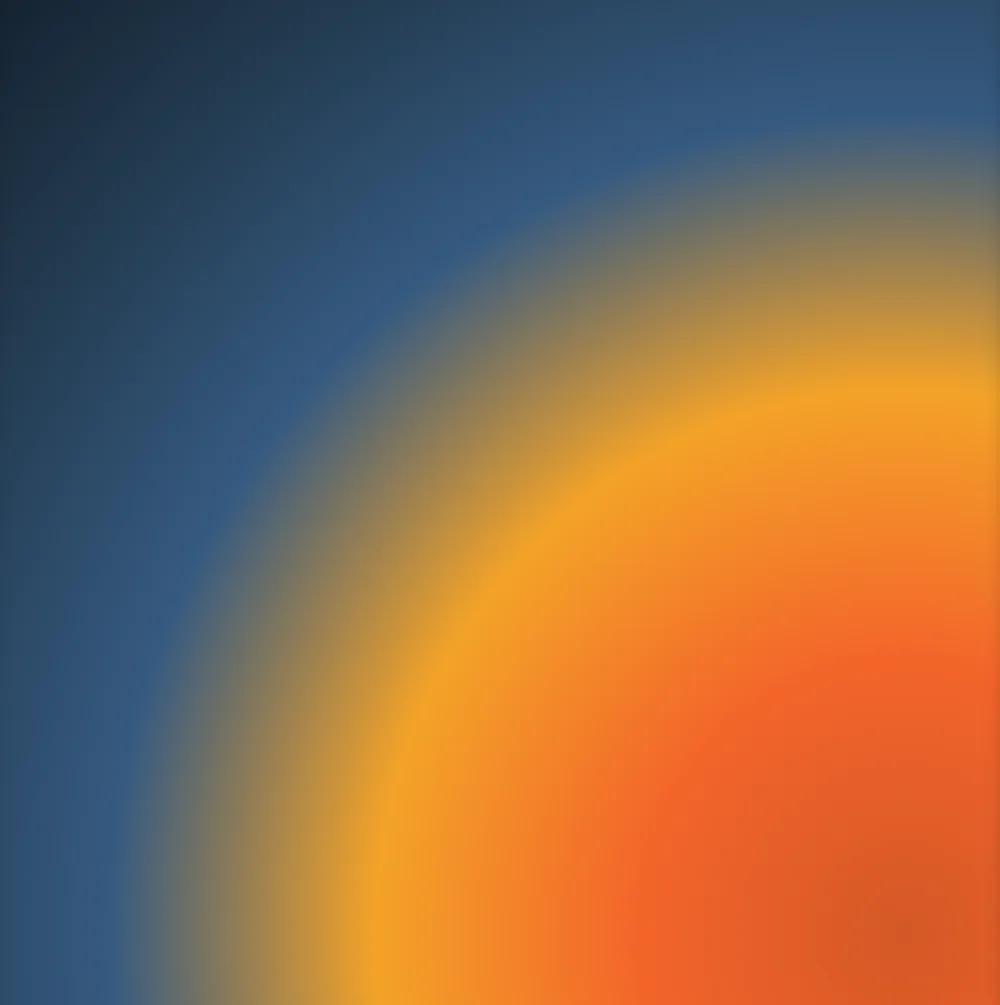

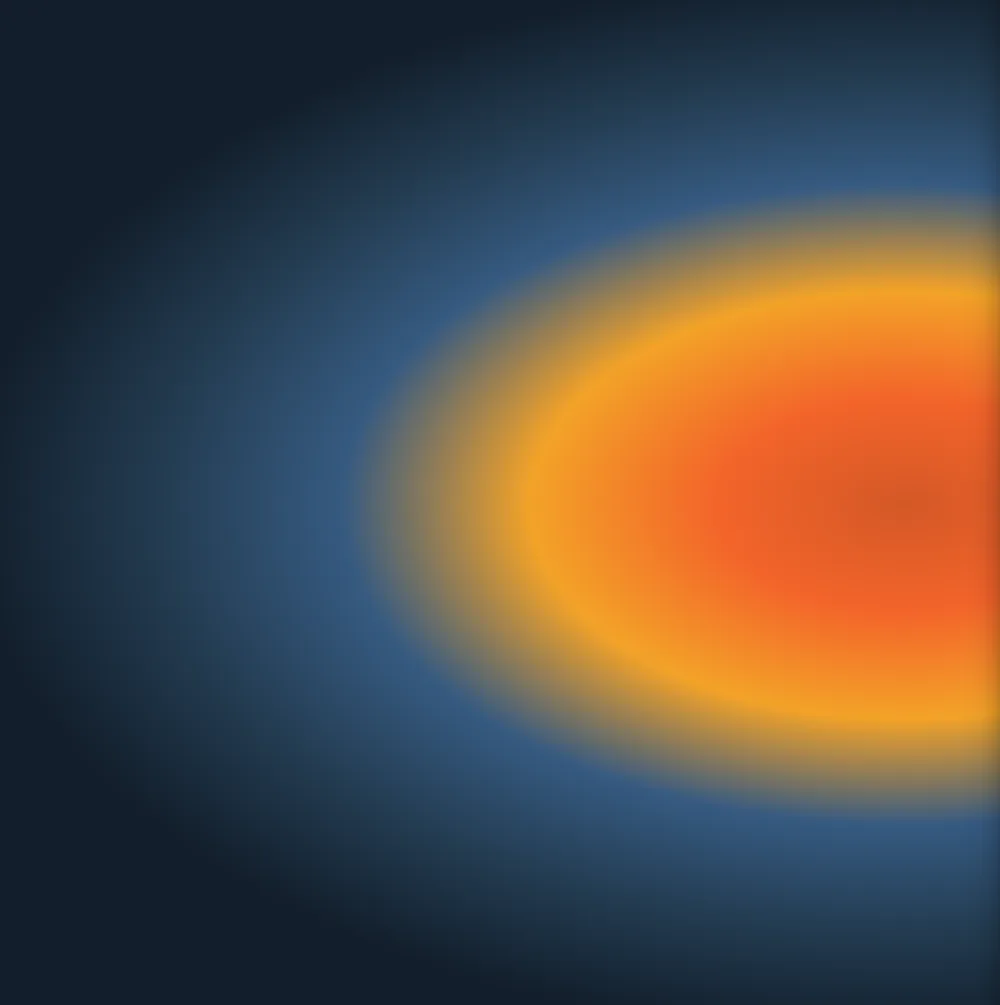
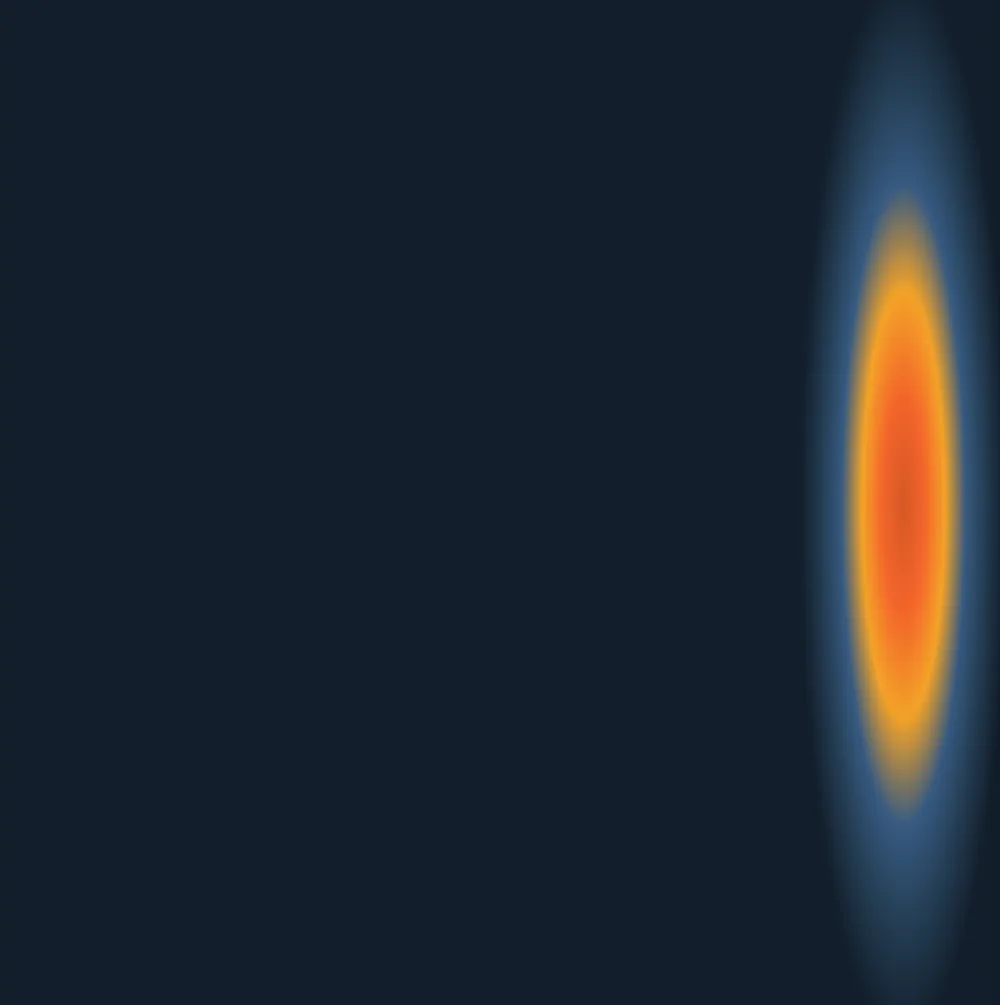
Conclusion
And with that, I am grateful to not have used any AI while making this post about learning radial gradients! Just good old fashioned MDN documenation reading, experimentation using Vite, and screenshots of the radial gradients. I have to say, I am feeling excited and accomplished with learning these radial gradients! There is more to learn from the MDN documentation, clearly, so I guess I can spend another Saturday afternoon reading up on the rest. 🐧
P.S. Thanks to previous use of AI, I did self teach myself how to use em-dashes! Hopefully I didn’t mess it up.